- click download this file hog_rally.psd
- open the file in Photoshop
- if not visible, select View>Rulers or Ctrl-r (pc) cmd-r (mac)
- right-click the ruler and set the units to pixels
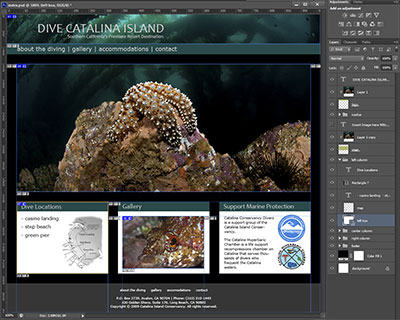
- drag from the ruler to create guides around the areas where you want to create slices (you should already have some guides created from the previous exercise)
- your image should look something like this:
Note: Only place guides where you will need slices; around navigation elements, images, and text areas. Less is better!